LinkedIn connection notes and follow-ups that get replies
How to write LinkedIn connection notes and follow-up messages people answer, with templates that use variables and fallbacks so no lead gets a broken message.
 GraphKit team
On this page
Most connection notes fail for the same reason: they are written for the sender. “I’d love to add you to my network” tells the reader nothing. “We help companies like yours 10x pipeline” tells them you want something. The notes that get accepted, and the follow-ups that get answered, give a specific reason to talk that the reader recognises as true.
This post covers what a note is for, when to skip it, how to write follow-ups after someone accepts, and how to build templates with variables and fallbacks so a missing field never produces “Hi ,” in someone’s inbox. The templates use the variable syntax GraphKit’s campaign builder understands, but the writing advice applies whatever you use.
The rules you are writing inside
A few constraints come from LinkedIn and are not negotiable:
- Notes are short. GraphKit checks invitation notes against 300 characters, and 200 for free accounts.
- Free accounts barely get notes at all. LinkedIn’s invitation limits page says Basic members can personalise five connection requests a month. Premium members can personalise all of them.
- No pitching in invitations. LinkedIn’s Professional Community Policies say not to use the invitation feature to send promotional messages to people you don’t know.
- Messages only reach connections. A regular LinkedIn message goes to first-degree connections. Before someone accepts, the note is all you get (InMail aside, which needs Sales Navigator or Recruiter and spends credits).
Put together: the note’s only job is to get the invitation accepted. Selling, if it happens at all, happens later.
When to send no note at all
A blank invitation is a reasonable default. It costs nothing, it does not use one of a free account’s five monthly notes, and nothing in it can read as a pitch. People decide on a blank invitation by looking at your name, photo and headline, which is a good reason to make those clear before you start.
Add a note when you have a reason the reader would recognise without explanation: you met, you were both at an event, they wrote something you have an actual response to, you share a specific community, or someone they know suggested it. If the best you can write is “I came across your profile”, leave it blank.
What a good note looks like
A note that works has three parts, and often fits in two sentences:
- The real reason you are reaching out, specific to them.
- A light bridge to why connecting makes sense.
- No ask. No meeting request, no link, no deck.
Compare:
Hi Dana, I’d love to connect and share how we help teams like yours grow pipeline.
Hi Dana, your post on routing inbound leads by territory matched a problem we’re working through. Would be good to follow your writing.
The first is about the sender. The second is about something Dana did, and it is true. It is also only possible if someone read the post, which is the point: personalisation that a merge field can produce on its own is rarely personal.
Templates with variables and fallbacks
Templates make the structure repeatable. Variables fill in the parts that differ per lead. Fallbacks decide what happens when a field is empty, which on real lead lists is often.
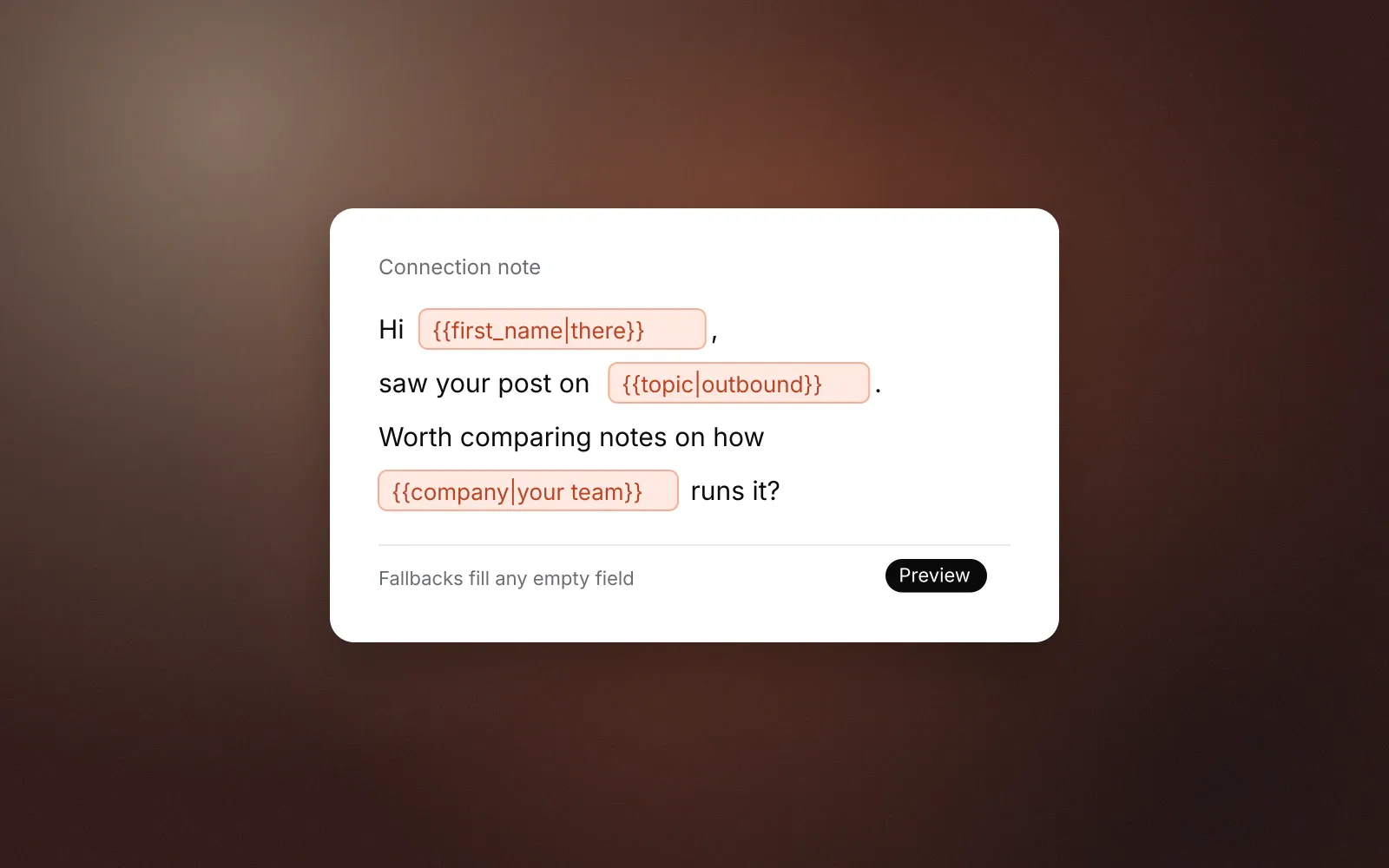
GraphKit’s syntax is double braces with an optional fallback after a pipe:
{{first_name}}          the lead's first name
{{first_name|there}}    "there" when the lead has no first name
{{first_name|}}         nothing at all when it is missing
{{company|your team}}   company, or "your team"
{{trigger}}             a custom field from your import
Built-in fields include first_name, last_name, full_name, company, job_title, headline, location and the sender’s own name fields. Any other column you import becomes a custom field you can reference by name. Names are case-insensitive, spaces inside the braces are ignored, and a value that is only whitespace counts as missing.
Note templates
Each of these stays under 200 characters with typical values, so they work on free accounts within the monthly allowance.
Shared event or community. Needs a custom event column you filled in yourself.
Hi {{first_name|there}}, we were both at {{event}}. I'm working on
similar problems in {{topic|outbound}}, would be good to stay
in touch.
Note that {{event}} has no fallback. That is deliberate: if you do not know where you met, this note should not be sent. In GraphKit, a step can carry fallback copy (a whole alternative note) that is used when a variable without an inline default is missing. Set the fallback note to something that is still true without the field, or leave the invitation blank.
Something they wrote. Needs a trigger column, written by a person.
Hi {{first_name|there}}, {{trigger}}. Would be good to follow
along with what {{company|your team}} is doing there.
Here trigger is a short phrase like “your post on routing inbound by territory was useful”. It is the only part of the note that matters, and it is the only part a template cannot write for you.
Mutual introduction. For when someone suggested you talk.
Hi {{first_name|there}}, {{referrer}} suggested we connect.
Happy to compare notes on {{topic|outbound}} whenever useful.Follow-ups after someone accepts
Acceptance is permission to talk, not interest in buying. The first message after acceptance should continue the reason you gave, and every later message should be useful on its own if it is the only one they read.
A sequence that respects that, written as GraphKit steps:
- Invite with a note, or blank.
- Condition: connected? Check after up to a week. Leads who don’t accept take the “no” path, which here simply ends. GraphKit will not send a second invitation to someone with one pending.
- Wait one business day after acceptance.
- Message 1. Continue the original reason. Ask one easy question.
- Wait four business days.
- Message 2. Add something useful: a short answer to a common problem, a relevant example, a resource. No new ask beyond the first.
- Wait a week.
- Message 3. Close the loop politely and make it easy to say no.
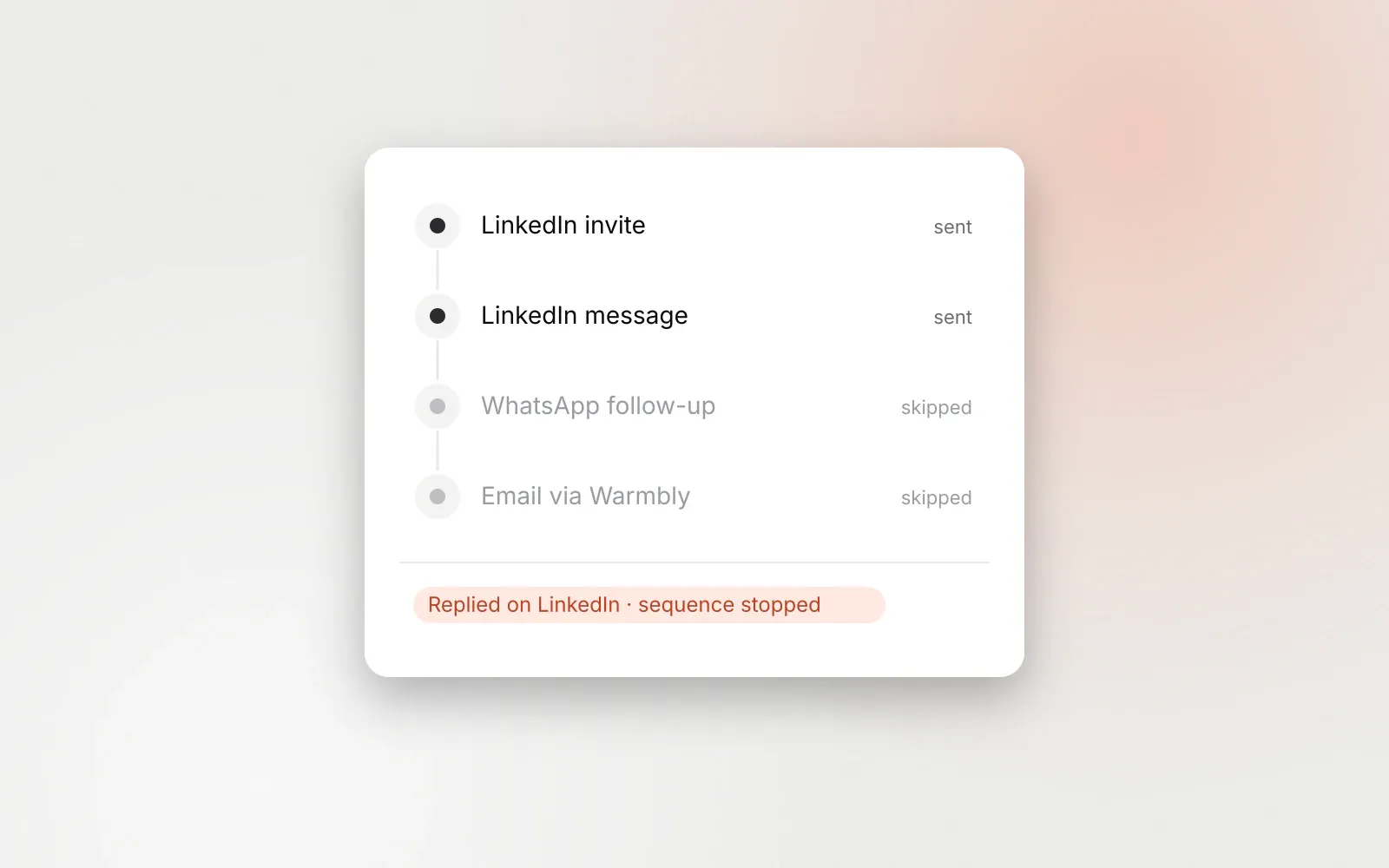
Stop-on-reply is on by default, so anyone who answers at any point, on any connected channel, leaves the sequence immediately. The check runs again right before each send, so a reply that arrives seconds before a scheduled message still stops it.
Follow-up templates
Message 1: continue the thread.
Thanks for connecting, {{first_name|}}. Since you're looking at
{{trigger_topic|outbound}} at {{company|your company}}: how are you
handling {{pain|replies across channels}} today?
The empty fallback on first_name means a missing name reads “Thanks for connecting.” rather than “Thanks for connecting, there.” Small, but it is the difference between a template and a person.
Message 2: give something.
One thing that helped teams we work with: {{tip|keeping every
reply in one inbox so nothing waits on someone's phone}}. Happy
to share how they set it up if it's relevant.
Message 3: close the loop.
I'll stop here so I'm not cluttering your inbox. If {{topic|this}}
becomes a priority later, reply anytime. Either way, good to be
connected.
Mistakes worth avoiding
- Fake familiarity. “Hope you had a great weekend!” to a stranger reads as automated because it is.
- Personalisation that only proves you have a list. “I see you’re the
{{job_title}}at{{company}}” restates their profile back to them. - Links in the first message. They look like a pitch and give the reader homework.
- A meeting request before there is a conversation. Ask a question they can answer in one line.
- Following up after a reply. If your tool does not stop on reply, across every channel, fix that before you tune copy. We cover this in multichannel outbound without spamming.
- Testing on everyone at once. Run a campaign as a dry run first. In GraphKit, a dry run makes the same decisions as a live run without sending anything, so you can check how templates render for real leads.
Volume still matters
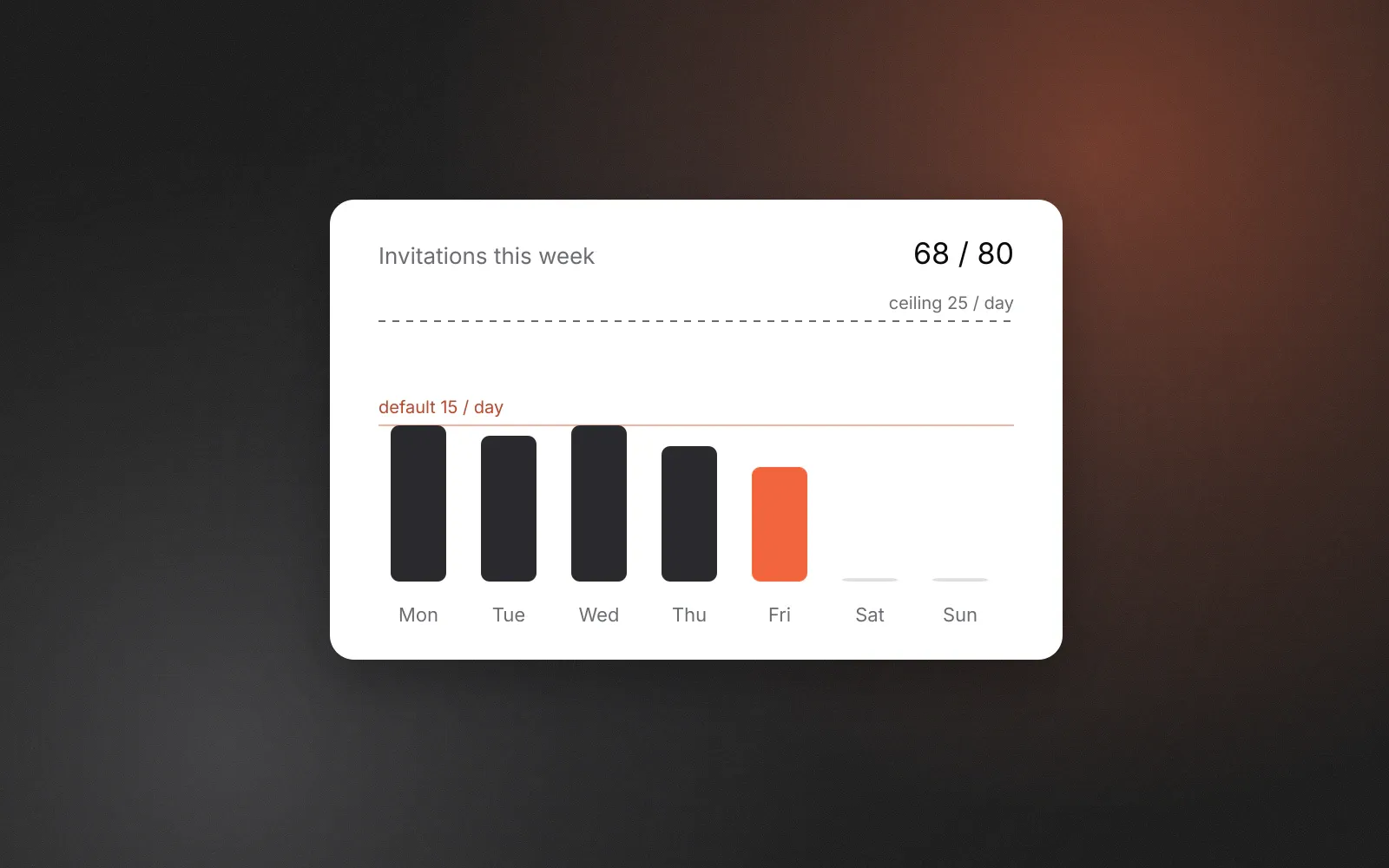
Good copy does not rescue bad pacing. A well-written note sent 200 times a day from one account is still 200 invitations a day. Keep invitation volume conservative per account (our defaults and reasoning are in LinkedIn invitation limits) and spend the effort on who you invite and why. When replies come in, handle them in one place; why a unified inbox matters explains how we think about triage.
Frequently asked questions
How long can a LinkedIn connection note be?
GraphKit validates invitation notes at 300 characters, or 200 for free accounts. Free LinkedIn members can also only attach a personalised note to five connection requests a month, according to LinkedIn’s help centre, so most invitations from free accounts go out without one.
Should I send connection requests with or without a note?
Without one is a reasonable default, especially on free accounts. Add a note when you have a specific, true reason the person would recognise. A generic note adds nothing and a pitch breaks LinkedIn’s Professional Community Policies.
What happens if a lead is missing a field my template uses?
In GraphKit, an inline fallback like {{first_name|there}} fills the gap. If a variable has no fallback, the step’s fallback copy is used instead. If that cannot render either, the lead stops rather than receiving a message with a hole in it.
How many follow-ups should I send after someone accepts?
Two or three over two to three weeks is plenty for most offers. Every message should stand on its own, and the sequence should stop the moment the person replies on any channel.