Adding email to LinkedIn sequences with Warmbly and others
How to add email to LinkedIn sequences through Warmbly, Instantly, Smartlead or lemlist: handoffs, field mapping, stop rules and reply and unsubscribe sync.
 GraphKit team
On this page
Many outbound teams already run LinkedIn and email side by side, usually in two tools that don’t talk to each other. The result is familiar: someone accepts your LinkedIn invitation and replies there, and two days later your email platform sends them “just bumping this to the top of your inbox”. Each tool did its job. Together they spammed someone who had already answered.
Adding email to a LinkedIn sequence is mostly about fixing that: one sequence decides when email starts, and a reply or unsubscribe anywhere stops everything. This post covers how that works with an email platform you connect to GraphKit, with Warmbly as the featured option and Instantly, Smartlead and lemlist also supported.
GraphKit doesn’t send email, on purpose
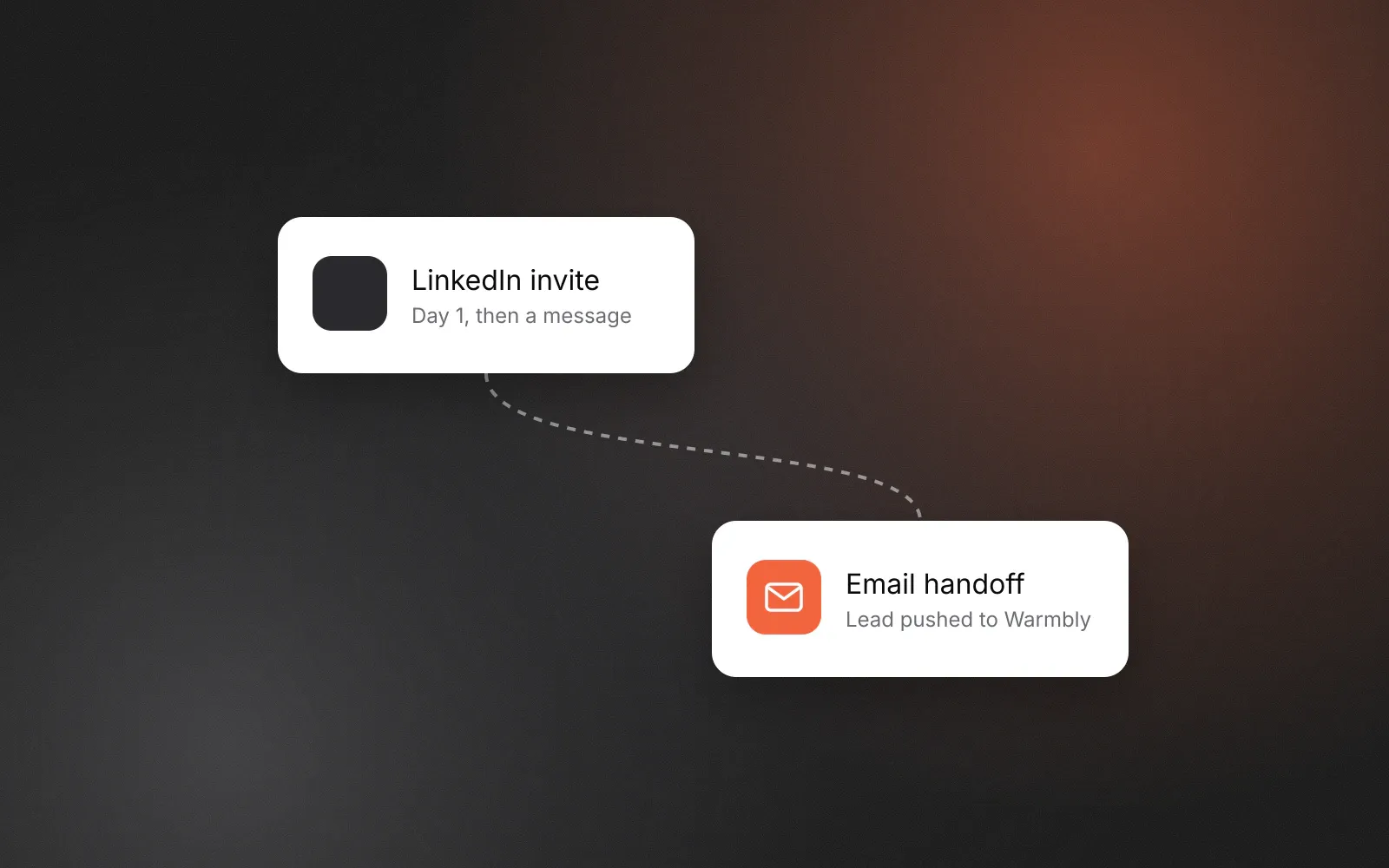
Email deliverability is its own discipline: domains, authentication, warm-up, inbox rotation, bounce handling, unsubscribe links. Dedicated email platforms do this well, and most teams already have one. So GraphKit never sends email itself. Instead, an email handoff step adds the lead to a campaign in your email platform, and that platform sends the emails on its own schedule, with its own unsubscribe handling.
What GraphKit adds is coordination:
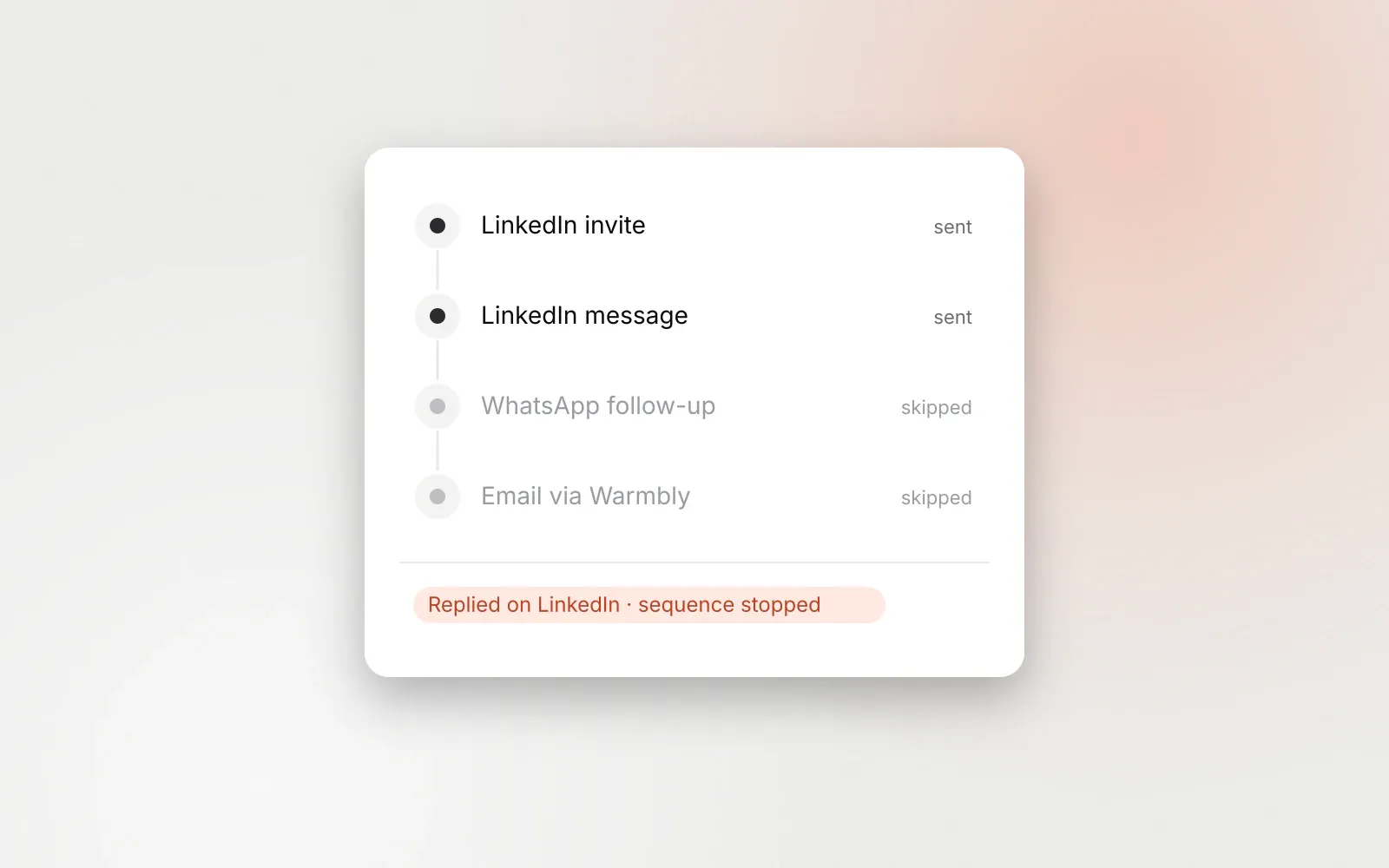
- A reply on email stops the lead on every channel, under the same stop-on-reply rule as LinkedIn and the messaging channels.
- An unsubscribe in the email platform suppresses the lead on every channel, not just email.
- A reply on LinkedIn (or any social channel) pauses the lead in the email platform, so the email sequence doesn’t carry on regardless.
- A suppressed lead is removed from the email campaign.
Those last two are settings that are on by default, and a sync job applies them every minute.
The two email steps
Email handoff
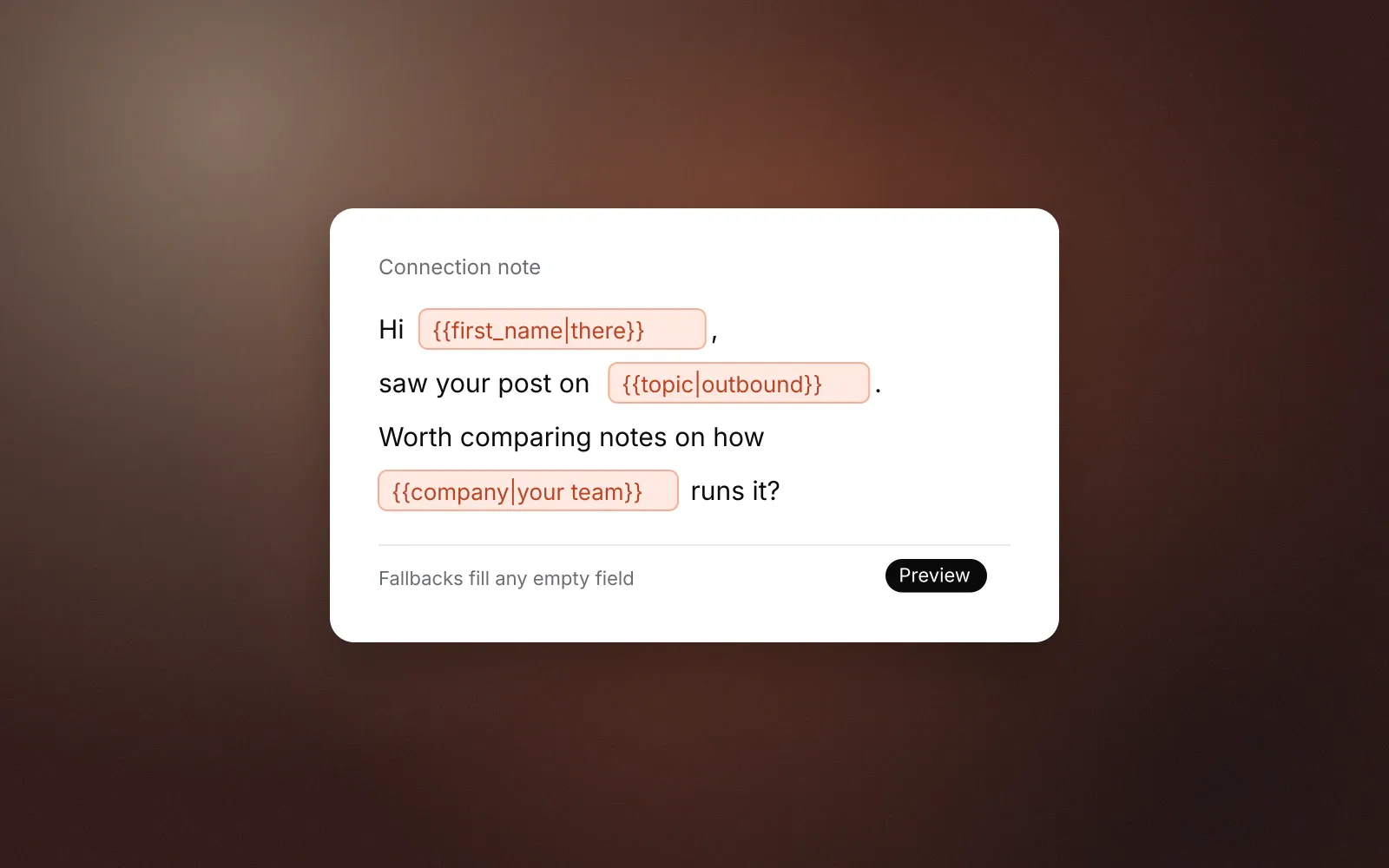
The handoff step names a connection (your email platform account) and one of its campaigns, and maps fields from the GraphKit lead into the platform’s fields. Mapping uses the same template syntax as messages, including fallbacks:
first_name    → {{first_name}}
company_name  → {{company}}
job_title     → {{job_title}}
industry      → {{industry|SaaS}}
The email address is always sent. If you map nothing, GraphKit sends first name, last name, company and job title. You can map up to 40 fields, including custom ones your email templates use.
The handoff needs an email address that has not bounced. If the lead has none, the step is skipped by default, or the lead stops if you configured the step to stop. Email steps don’t use LinkedIn’s daily caps or the campaign’s sending window, because the email platform runs its own schedule; they do respect the platform’s rate limits and wait when it asks them to.
Email stop
The stop step pauses or removes the lead in the email platform, for one campaign or for every campaign the lead was handed to on that connection. Remove is the default. Use it on paths where email should end, for example after a “connected” branch where you’d rather continue on LinkedIn.
A sequence that combines the two
A pattern that works for many B2B teams:
- LinkedIn invite, with a short note or none. See connection notes and follow-ups.
- Wait up to a week, then condition: connected?
- Yes: LinkedIn message one business day later, a second message after four business days, then stop.
- No: email handoff to a short email campaign (two or three emails), only for leads you have a lawful basis to email.
- Any reply, on LinkedIn or email, stops the lead everywhere.
The point of the branch is that each person hears from you on one main channel at a time. Someone who connected gets LinkedIn messages; someone who didn’t gets email. Running email in parallel for everyone is possible, but it doubles the touches for the people who engaged, which is the opposite of what you want. Our broader view on this is in multichannel outbound without spamming.
Before launching, run the campaign as a dry run. GraphKit makes the same decisions without sending anything, which shows you which leads would reach the handoff and what would be mapped.
Choosing an email platform
All four platforms support handing a lead to a campaign, removing it, and sending reply, unsubscribe and bounce events back to GraphKit. They differ in the details.
| Warmbly | Instantly | Smartlead | lemlist | |
|---|---|---|---|---|
| Connect with | API key, or OAuth sign-in (Cloud) | API v2 key | API key (Pro plan or higher) | API key |
| Self-hosted address | Yes | No | No | No |
| Pause a lead | Yes | No, falls back to remove | Yes | Yes |
| Remove a lead | Yes | Yes | Yes | Yes |
| Reply, unsubscribe, bounce events | Yes | Yes | Yes | Yes |
| Signed webhook deliveries | Yes (HMAC) | No, secret URL token | Optional signing | No, secret URL token |
| Safe automatic retry of a handoff | Yes | Yes | Reconciled instead | Reconciled instead |
Where a platform doesn’t support safe retries, GraphKit doesn’t retry a handoff whose outcome is unclear. It looks the lead up instead where the platform allows it, and otherwise marks the step failed rather than risking a lead being added twice.
Warmbly
Warmbly is our sister product: open-source email outreach from the same company as GraphKit, Mindroot Ltd. You can use Warmbly Cloud or run it yourself; the code is on GitHub. It is the most complete fit for GraphKit’s handoff:
- Sign in with Warmbly (OAuth) on Cloud, so nobody copies API keys around. Self-hosted installations connect with an API key.
- A self-hosted base URL, so the integration works against your own Warmbly server. Plain http is only accepted for local addresses.
- Signed webhooks, so reply and unsubscribe events can be verified as genuinely coming from Warmbly.
- Pause and remove, plus a lead lookup, so an unclear handoff can be checked rather than repeated.
If you are choosing an email platform from scratch and care about owning your sending infrastructure, Warmbly is worth a look. If you already run Instantly, Smartlead or lemlist, keep it; the handoff works with all of them.
Instantly, Smartlead and lemlist
- Instantly needs an API v2 key (v1 keys don’t work). Instantly’s API has no lead pause, so “pause” falls back to removing the lead from the campaign. Its webhooks are unsigned; GraphKit authenticates them with a secret URL and header.
- Smartlead needs an API key from a Pro plan or higher. Webhook signing is optional and can be turned on with a signing secret.
- lemlist supports pause and remove. Its webhooks are unsigned and authenticated with a secret, and each webhook receives every event type.
What none of the platforms tell us
One gap applies to all four: none of them documents an event for “this lead finished the email sequence”. Campaign-level completion events exist, but not per lead. In practice, that means GraphKit can’t automatically resume LinkedIn steps the moment a lead’s emails run out. Plan sequences so that email is the last stage for a lead, or add a fixed wait after the handoff that matches the length of the email campaign.
Reporting without double counting
Email handoffs and email replies are reported separately from social replies in GraphKit’s analytics, and email replies are attributed to the GraphKit campaign that handed the lead off. A lead who replies on LinkedIn and by email isn’t counted twice as two “replies”. Your email platform remains the place for opens, clicks and deliverability metrics.
For teams that build their own automations, GraphKit also emits outbound webhooks for email.replied, email.bounced and email.unsubscribed, signed and retried. See API and webhooks.
Checklist
- Decide which leads get email, and confirm you have a lawful basis to email them.
- Use a branch so each lead hears from you on one main channel at a time.
- Map the fields your email templates use, with fallbacks for anything optional.
- Leave “pause on social reply” and “remove on suppression” switched on.
- Check that the email platform’s own unsubscribe handling is set up; GraphKit relies on it.
- Dry-run the sequence before it touches a real inbox.
Frequently asked questions
Does GraphKit send email?
No. GraphKit hands leads to a campaign in your connected email platform, which sends the email under its own deliverability and unsubscribe handling. GraphKit keeps both sequences in step: replies and unsubscribes on one side stop the other.
Are GraphKit’s email integrations available now?
Yes. Warmbly, Instantly, Smartlead and lemlist can be connected from Integrations → Email in GraphKit. What each platform supports (for example, pausing a lead) is listed in the docs.
Why is Warmbly featured?
Warmbly is our sister product: open-source email outreach from the same company, Mindroot Ltd, available as Warmbly Cloud or self-hosted. It is the only one of the four that supports OAuth sign-in and a self-hosted address. Instantly, Smartlead and lemlist are supported too.
What happens if a lead has no email address?
The handoff step needs an email address that has not bounced. Without one, the step is skipped by default, or the lead stops if you set the step to stop. Bounced addresses are marked invalid and skipped by later handoffs.